01 / 04
Share the starting point.
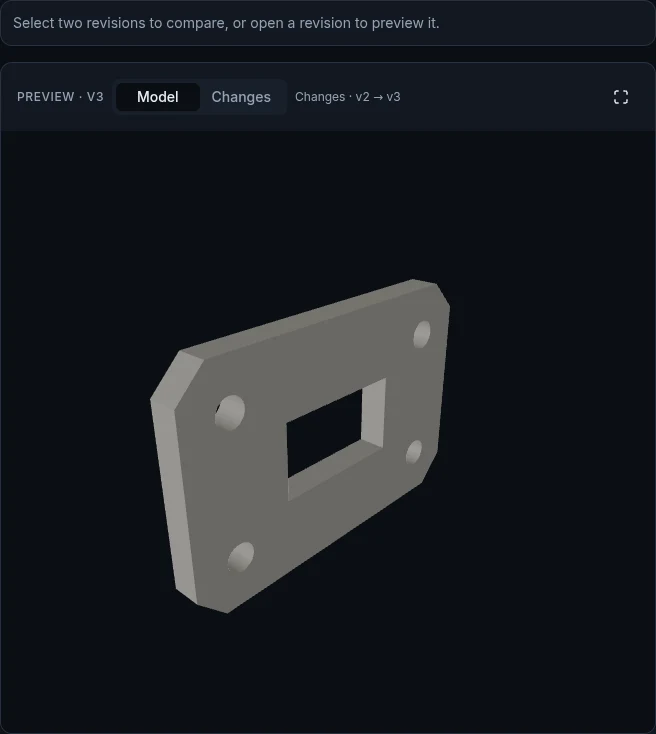
Keep the editable STEP with its model. Invite collaborators to the Project, or explicitly share the original files with a source link.
Sharing files and access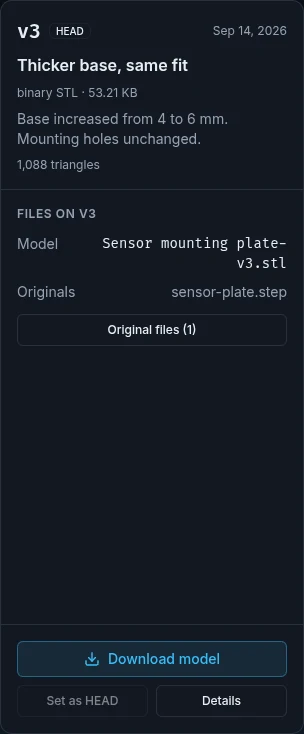
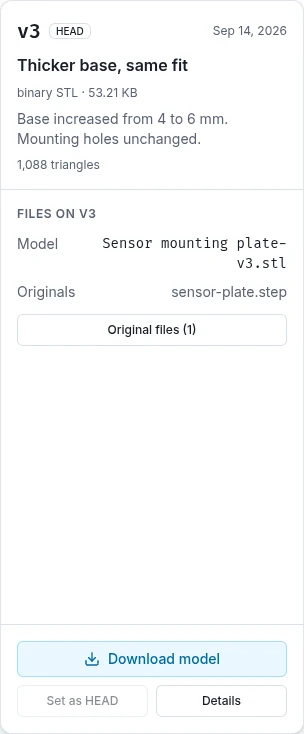
A shared place for your model and its next version. Share editable STEP files, improve them in CAD, compare changes and get an STL when it is time to print.
Free account to collaborate. Just comparing files? No account needed.
01 / 04
Keep the editable STEP with its model. Invite collaborators to the Project, or explicitly share the original files with a source link.
Sharing files and access02 / 04
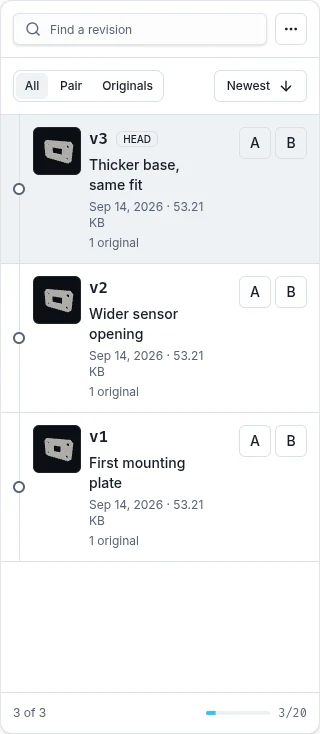
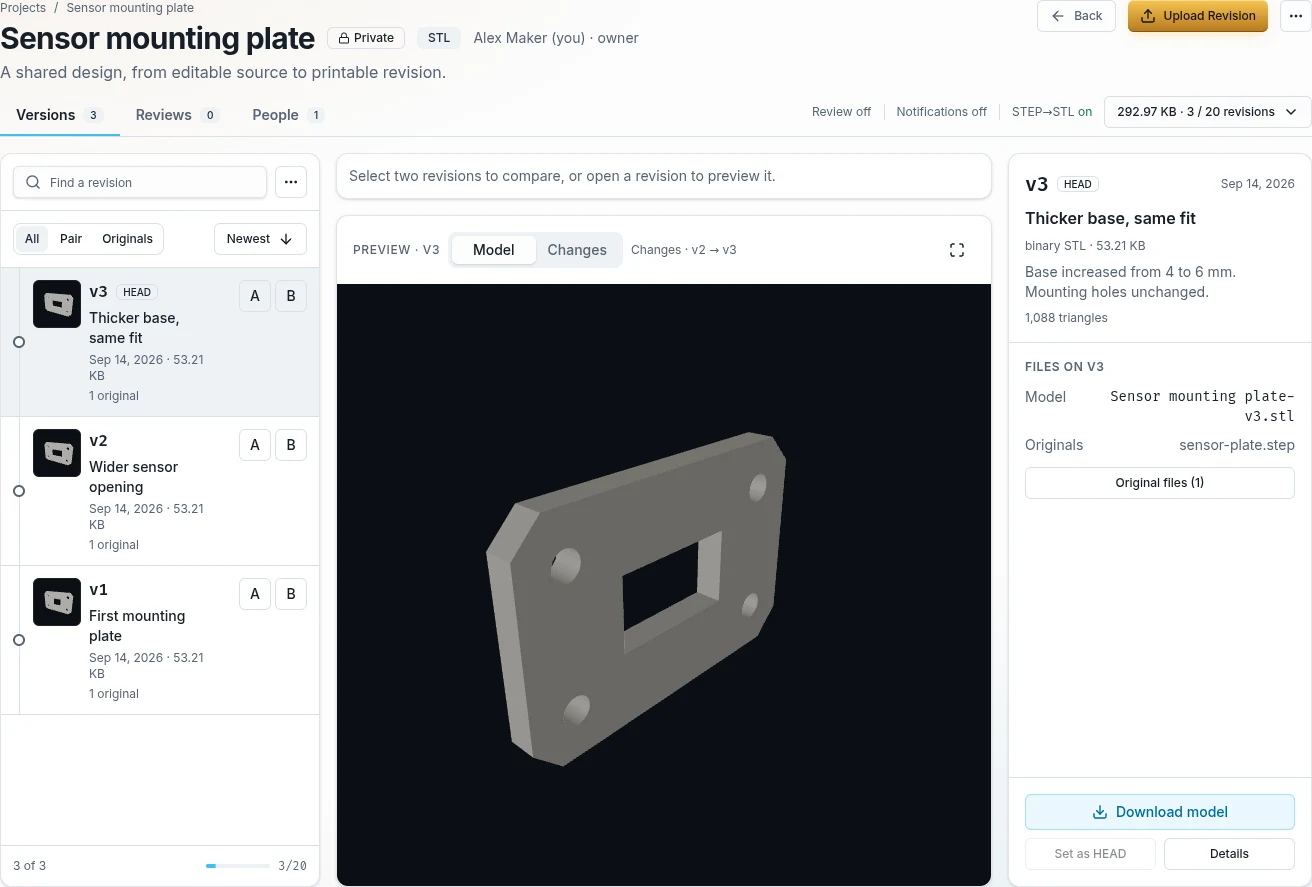
Download the source, improve it in your CAD editor and upload a new revision. The earlier model and its originals stay in the history.
How to contribute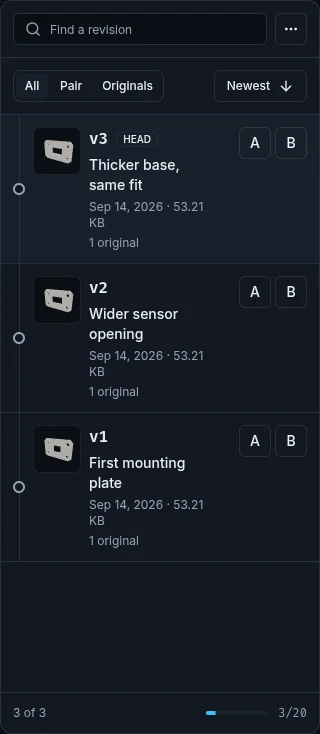
03 / 04
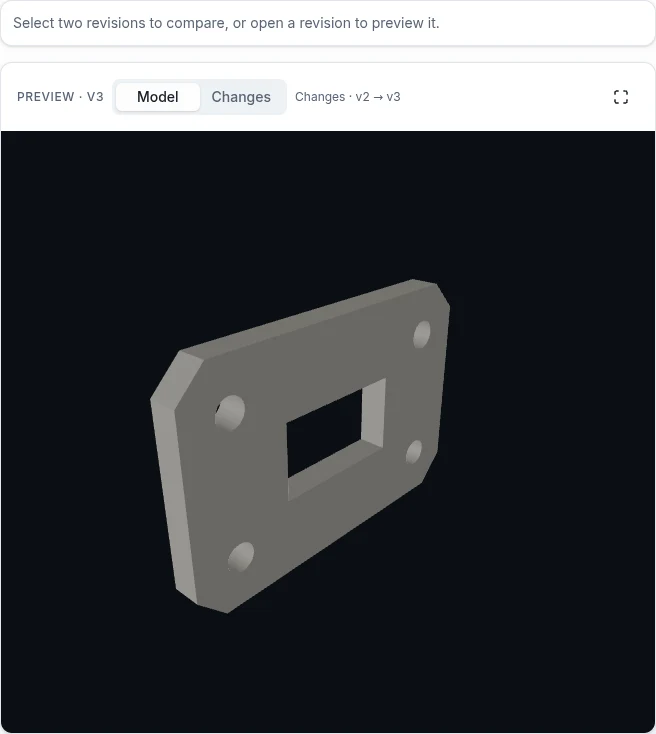
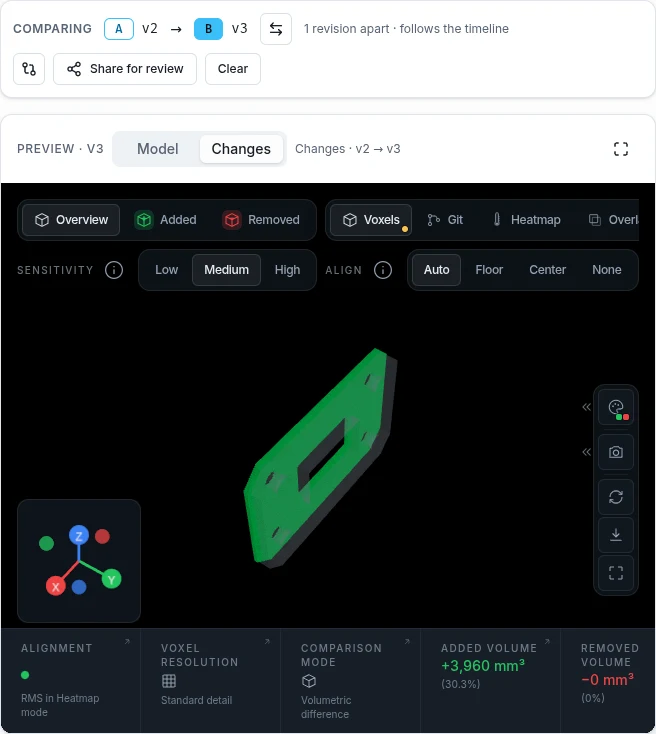
Select two revisions and inspect the shape that was added or removed. Share an interactive review link so someone else can check the difference.
Compare and review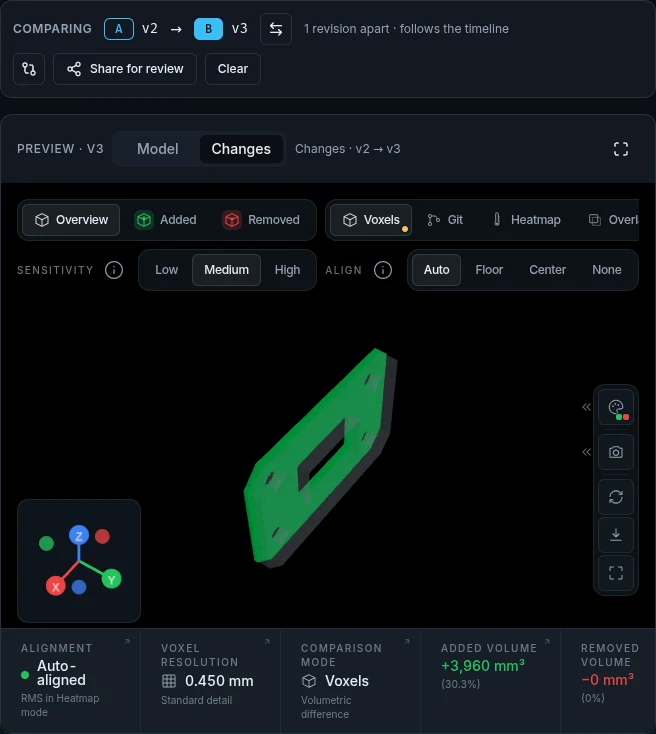
04 / 04
Enable free STEP to STL conversion in the Project. Each STEP upload keeps the editable original and generates an STL to download and check in your slicer.
STEP to STL, explained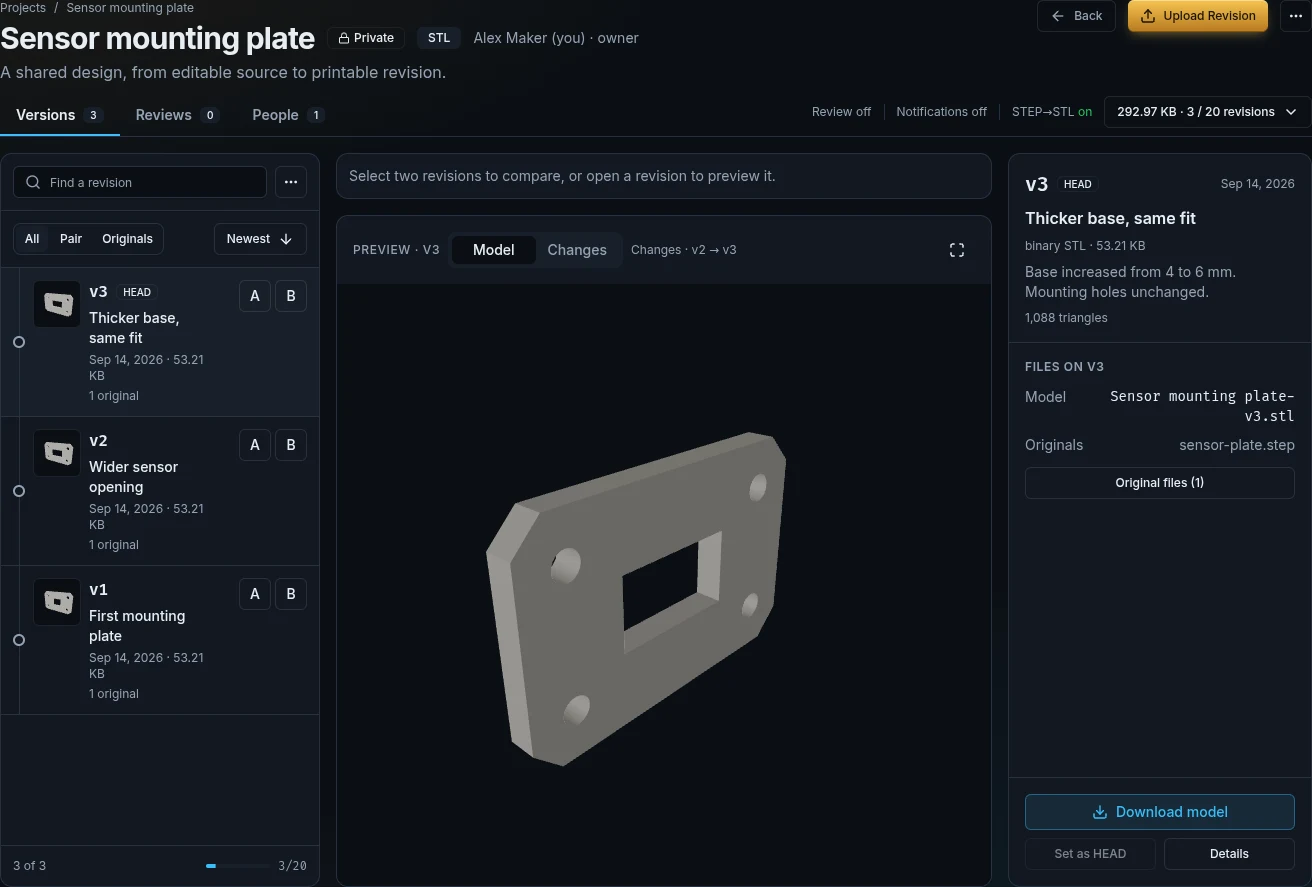
STL Diff is for the work between the first upload and the finished part. Bring your collaborators, keep the editable files and make each iteration understandable.
Keep STEP and native CAD originals alongside a preview model. Share something another maker can actually build on.
Original files & sharingNamed revisions keep the model, files and context together. Find an earlier version without searching through chat attachments.
Projects & revisionsInspect added and removed geometry, even with different triangulation. Send a visual review link, not just a screenshot.
Try the free diff toolInvite collaborators with explicit roles. Pro owners can also require approval before new revisions are published.
Roles & reviewsCollaboration today uses invitations and explicit sharing links. A public community catalogue is not available yet. Your CAD editor remains the place where you edit the model.
Original files, revision history and optional STEP to STL conversion are included.
Compare all plans1 project · 20 revisions per project
500 MB storage
Share models and editable originals.
10 projects · 100 revisions per project
2 GB storage
Approval workflows and email updates.